
SiteSee for Senior-Living Communities // Industry Application
Families should be able to understand daily community life before the decision feels urgent.
Connect residences, dining, common areas, wellness and recreation spaces, outdoor areas, arrival, accessibility information, programs and approved next actions in one experience that prospective residents and families can review together.
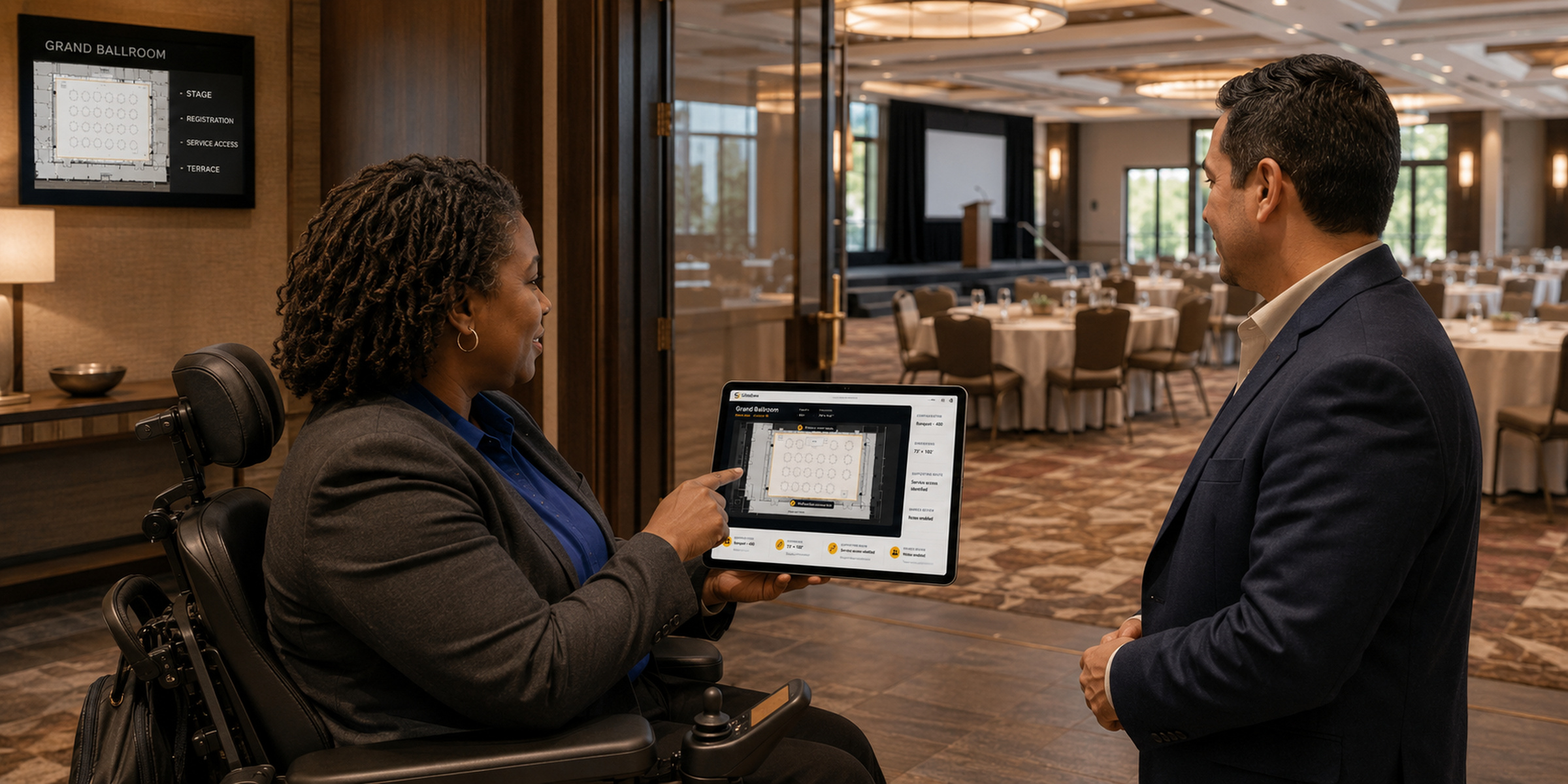
The Community-Understanding Gap
A residence photograph cannot explain how the community works as a whole.
Prospective residents and families often receive separate images, floor plans, amenity lists and verbal explanations. They may understand each item and still remain unsure about the relationships that shape daily life: how a residence connects to dining, where people gather, what outdoor areas are available, how visitors arrive or which questions require a conversation with community staff.
SiteSee organizes the approved property story around those relationships. People can become familiar with the physical setting, return to important spaces and share one consistent reference before scheduling a deeper visit or conversation.
See how audience-specific experiences work →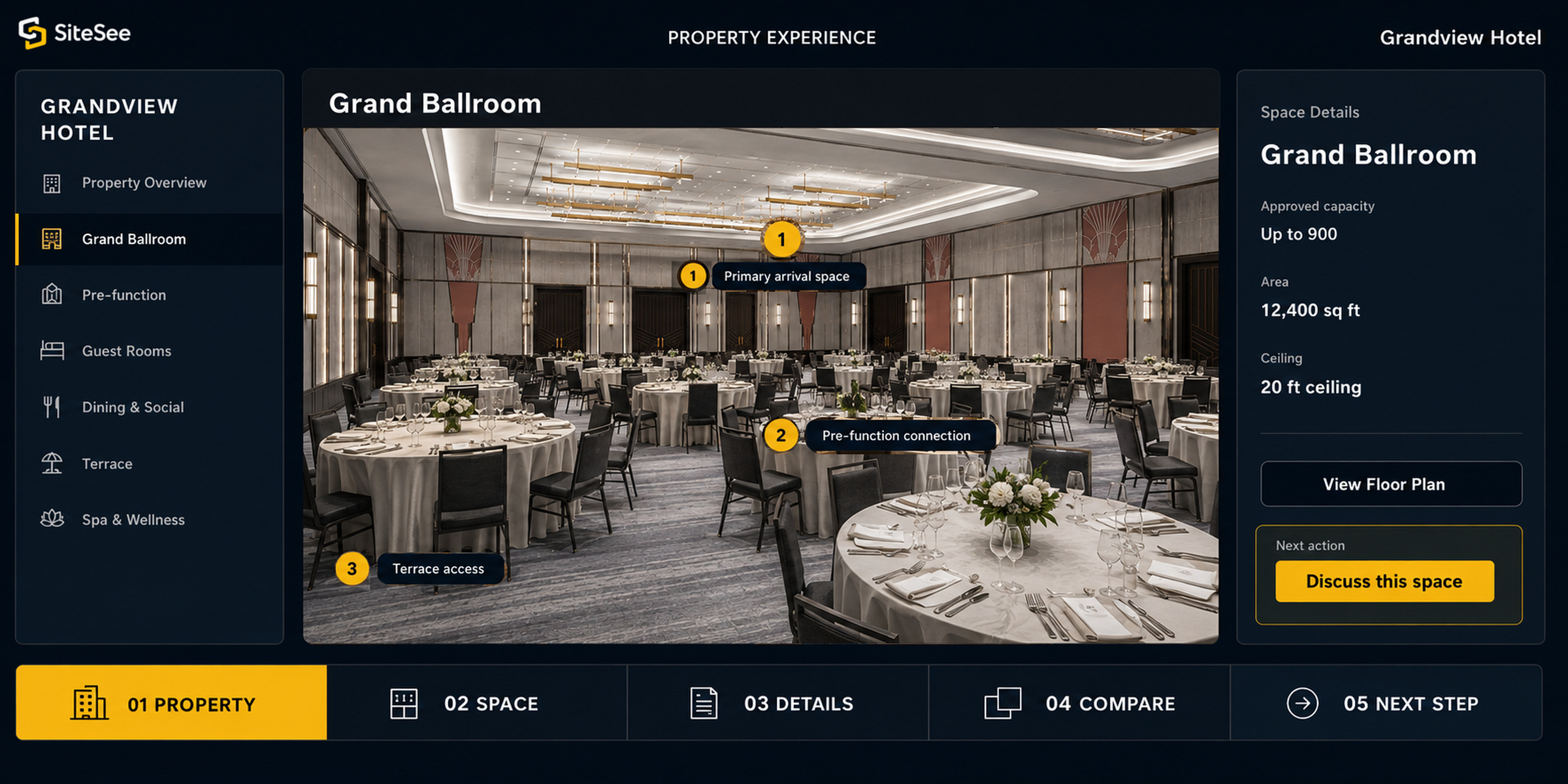
Residences, Amenities & Daily Relationships
Show how the places people use relate—not only how each room looks.
A useful community experience can connect residence types with dining, lounges, activity rooms, fitness or wellness amenities, outdoor spaces, visitor areas and other approved parts of the property. Information remains attached to the place it explains, helping the family move from appearance to practical questions.
A Shared Family Decision
Give people in different places the same approved community reference.
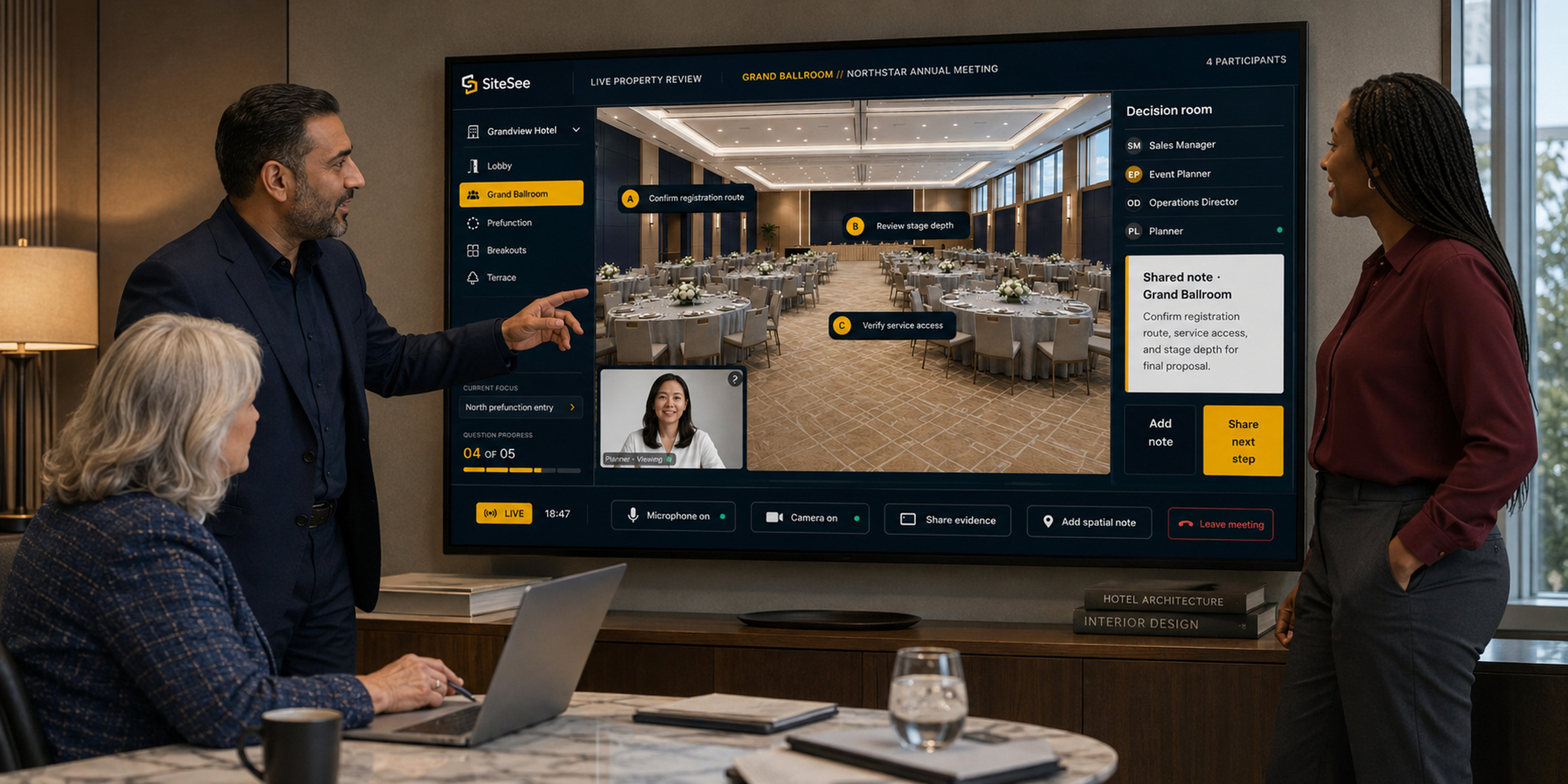
Senior-living decisions often involve a prospective resident, family members, trusted advisers and community representatives who cannot review the property together at the same time. SiteSee helps them return to the same residence, amenity, route or question rather than pass screenshots and partial summaries among one another.
Focused links can open at the exact location under discussion. Shared planning views and location-specific notes may support an approved review when the account and access model permit them. The community remains responsible for personal guidance, availability, suitability and every final commitment.
Arrival, Accessibility & Orientation
Make practical property questions visible before the visit.
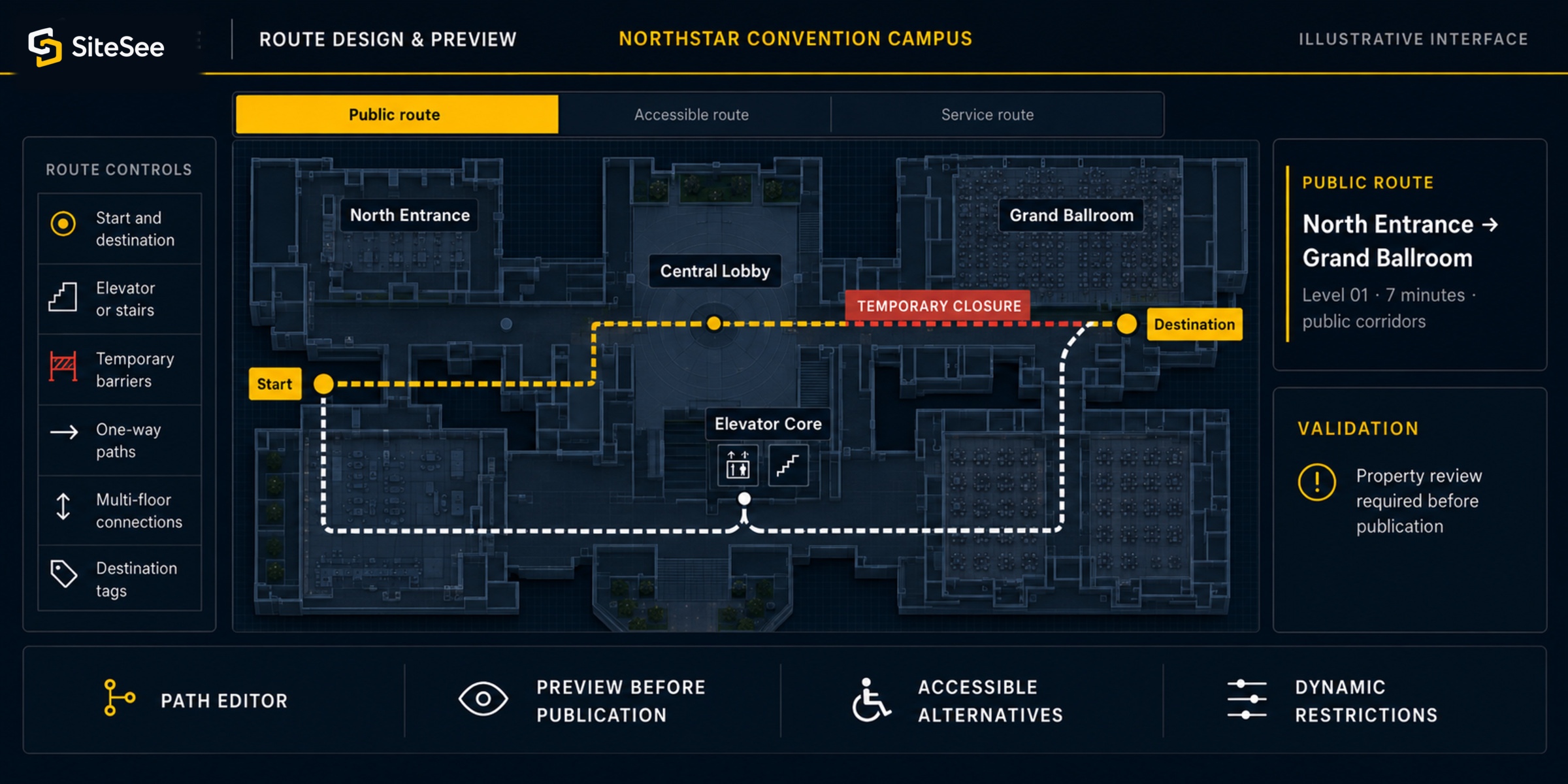
People may need to understand parking, entrances, building levels, elevators, walking relationships, common destinations and approved accessibility information. SiteSee can connect those details to the physical setting and, where appropriately scoped, support pre-arrival route guidance.
An illustrated route or preliminary measurement is not an accessibility certification. Current accommodations, route suitability, building conditions and individual requirements must be confirmed by the community and responsible professionals.
Public, Qualified & Protected Views
Share enough to support the decision without exposing private or operational information.
A public community experience may show approved residences, amenities and visitor information. A qualified view may support a specific prospective-resident or family conversation. Protected operational guidance belongs in a separate authorized environment.
Resident information, health information, personal circumstances, staff records and protected operating material should never be placed in a public experience. Access, retention, identity and data-handling requirements must be established before any qualified or protected workflow is enabled.
Review access, privacy and responsibility →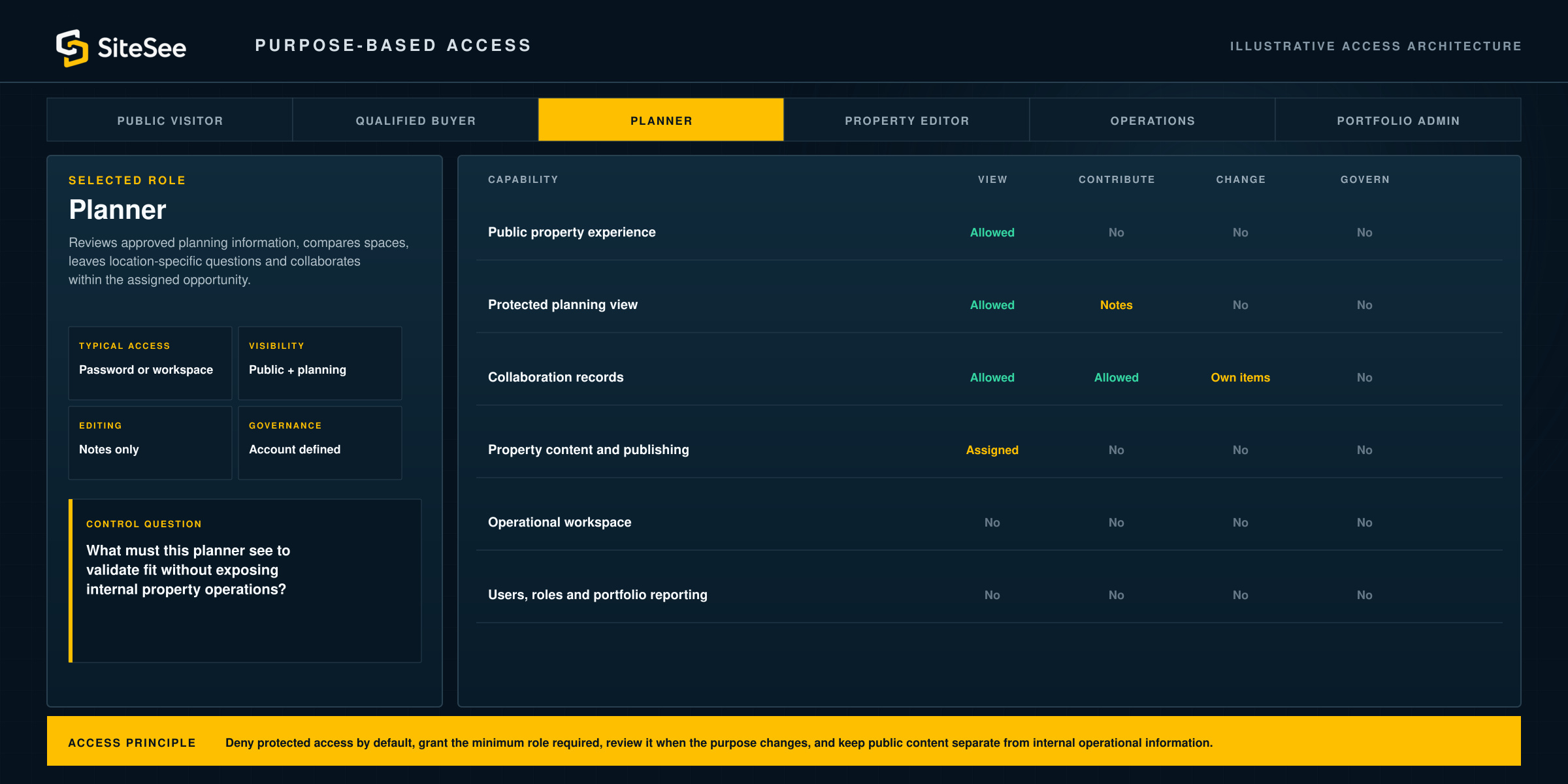
Clear Information. Clear Boundaries.
SiteSee explains the physical community; it does not evaluate care, health, clinical suitability or personal outcomes.
Licensing, services, staffing, fees, availability, contracts, policies, accessibility commitments and health-related information remain with the community and the authoritative sources responsible for them. Every property statement, destination and visual representation should be current, approved and appropriate for the intended audience.
Engagement analytics may show which approved spaces or content received attention. That can help staff prepare a more relevant next question, but it is not evidence of preference, capacity, suitability or a decision.
Use engagement responsibly →
Senior-Living Communities
Begin with the community question families must ask repeatedly.
Choose one prospective-resident audience, the spaces that matter to that decision and the responsible next conversation. SiteSee can define the experience, property media, access controls, review process and practical starting scope.