
Experience Library // See the platform in context
See what buyers can understand before a site visit.
Explore experience blueprints built around real property decisions. Each example begins with what the buyer, planner or team needs to accomplish, then shows the property context and SiteSee capabilities that can support it.
Begin with the decision, not the feature list
Choose the buyer decision that feels most familiar to your property.
The same platform can serve very different purposes. A meeting planner may need to validate event flow. A family may need to understand daily life in a senior-living community. A portfolio leader may need to see which properties are current, approved and being used.
The library is organized around those decisions, not around a generic product demonstration.
Browse the Experience Library
Start with the example closest to the customer decision you need to improve.
Filter by property type or customer objective. Every item identifies whether it is an illustrative blueprint, a capability demonstration or an approved public experience.
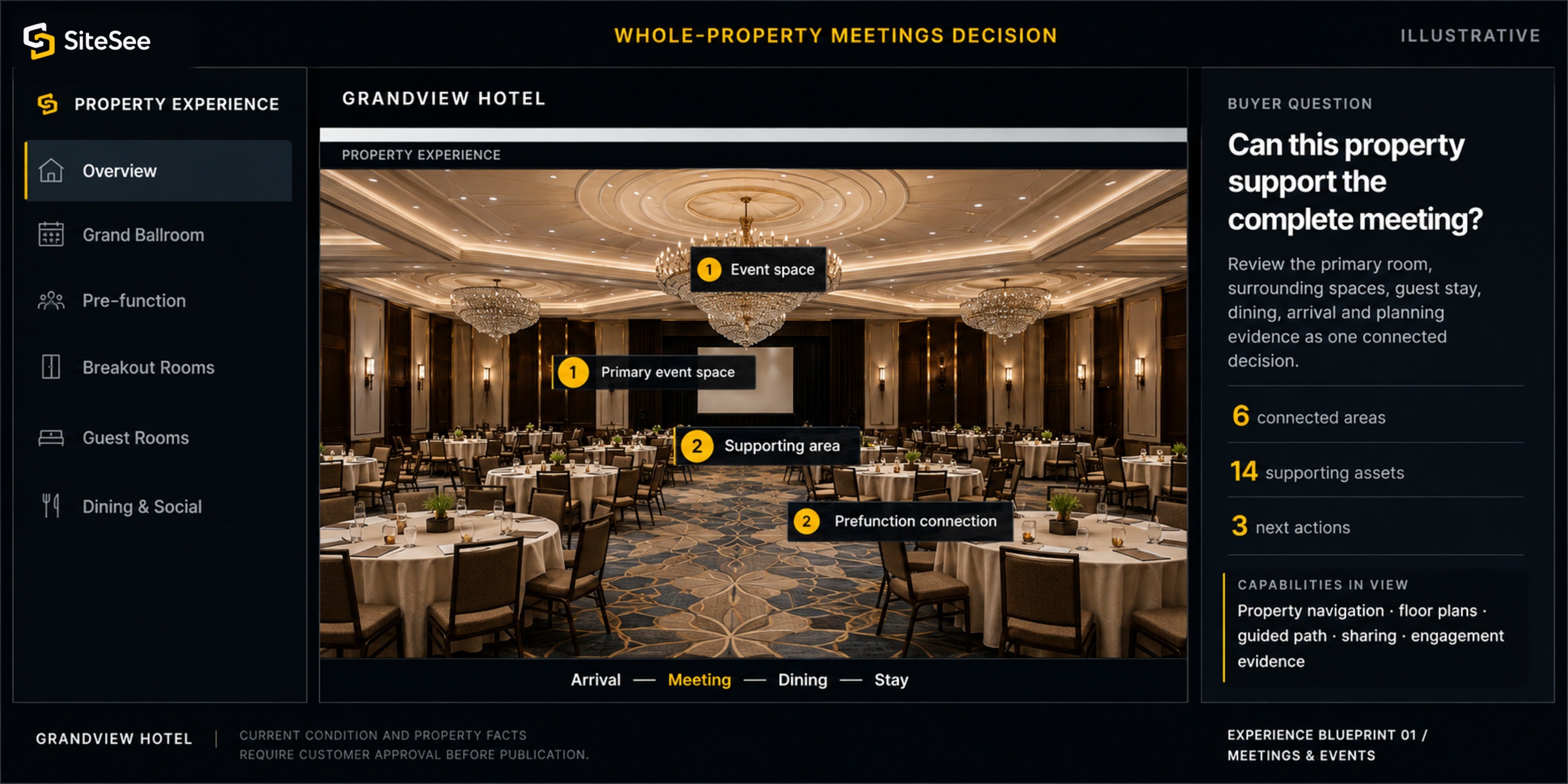
Whole-Property Meetings Experience
Buyer question: Can this property support the complete meeting, not only the ballroom?
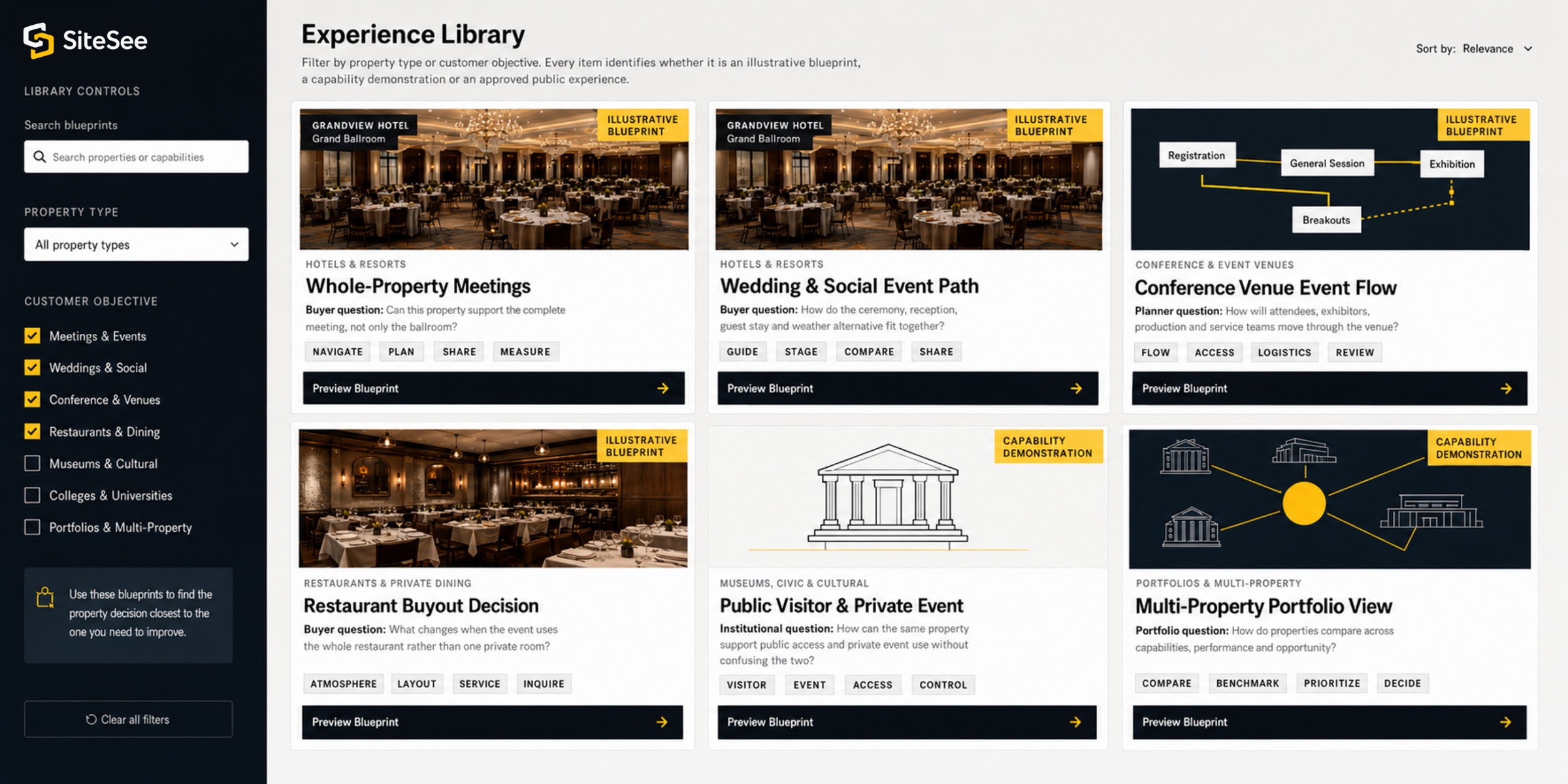
Wedding and Social Event Path
Buyer question: How do the ceremony, reception, guest stay and weather alternative fit together?
Conference Venue Event Flow
Planner question: How will attendees, exhibitors, production and service teams move through the venue?
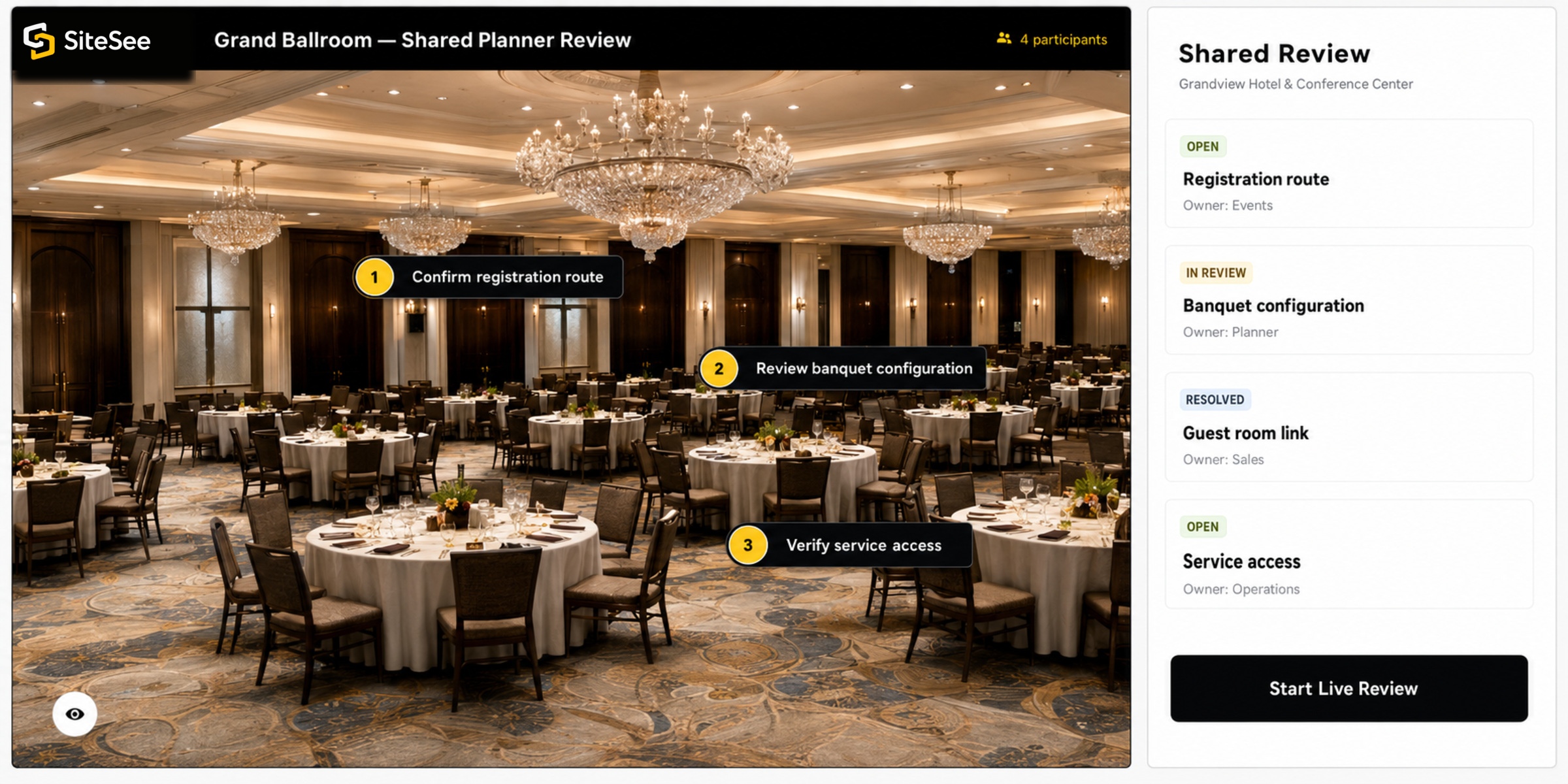
Restaurant Buyout Decision
Buyer question: What changes when the event uses the whole restaurant rather than one private room?
Public Visitor and Private Event Experience
Institutional question: How can the same property support public access and private event use without confusing the two?
Campus, Conference and Student Path
Audience question: How do arrival, academic, residential, program and event spaces connect?
Prospective Resident and Family Decision
Family question: Can we understand daily life, accessibility and shared spaces before scheduling a visit?
Multi-Property Portfolio View
Leadership question: Which properties are current, approved, shared and earning useful buyer attention?
Future-State Visualization
Buyer question: What could the room, renovation, event configuration or proposed condition look like?
Onsite Navigation and Operational Guidance
Property question: How do guests, vendors and staff receive the right route and information for their role?
The same approved property source can serve different responsibilities
Change the view, not the property truth.
A buyer, planner, salesperson and portfolio leader may need different information from the same property. SiteSee can organize those views without creating four unrelated versions of the property.
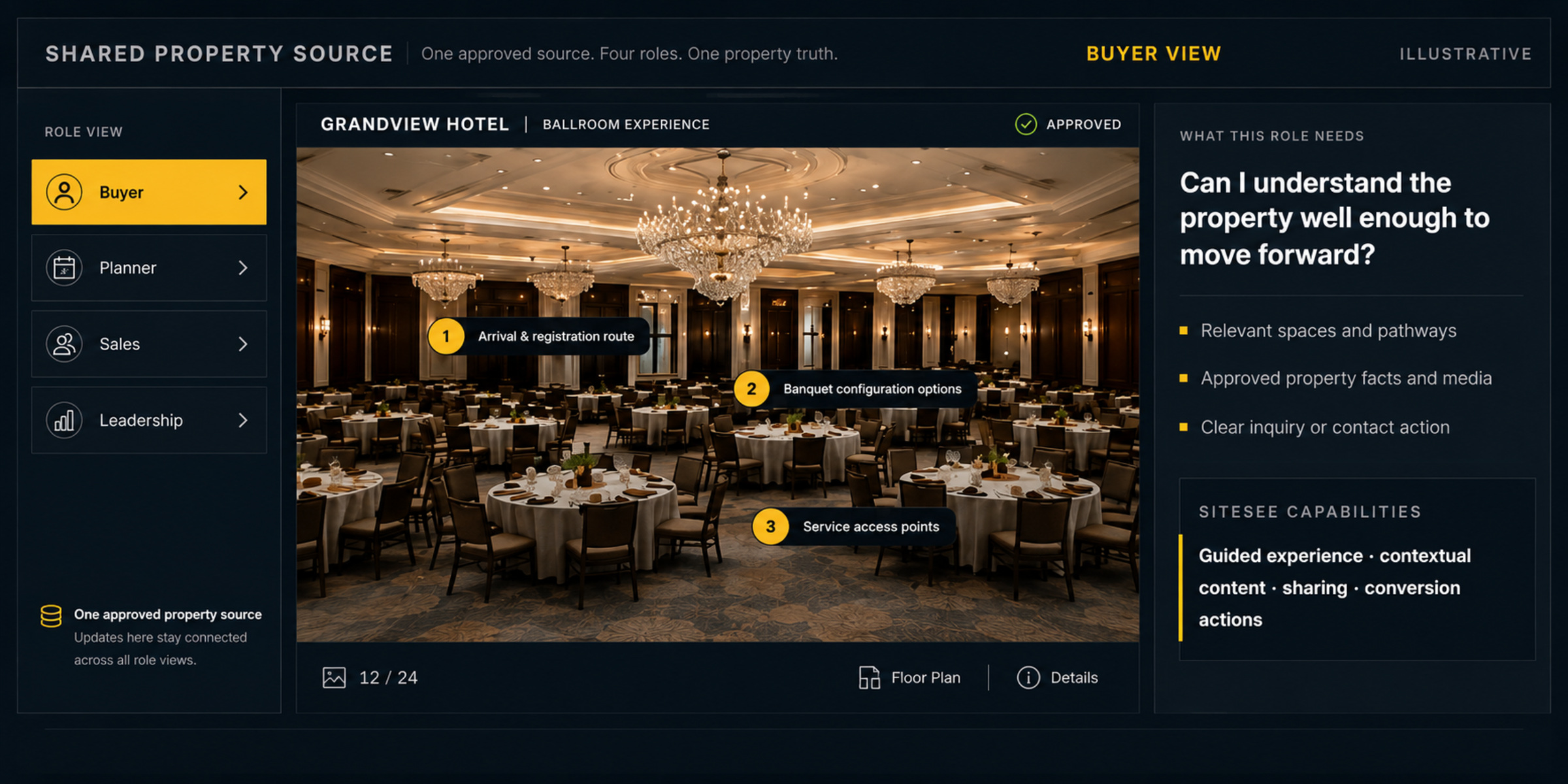
Can I understand the property well enough to move forward?
See what each capability helps you accomplish
Four distinct views. Four different jobs.
Each view below shows a different part of the property decision, so you can see where the platform contributes practical value.
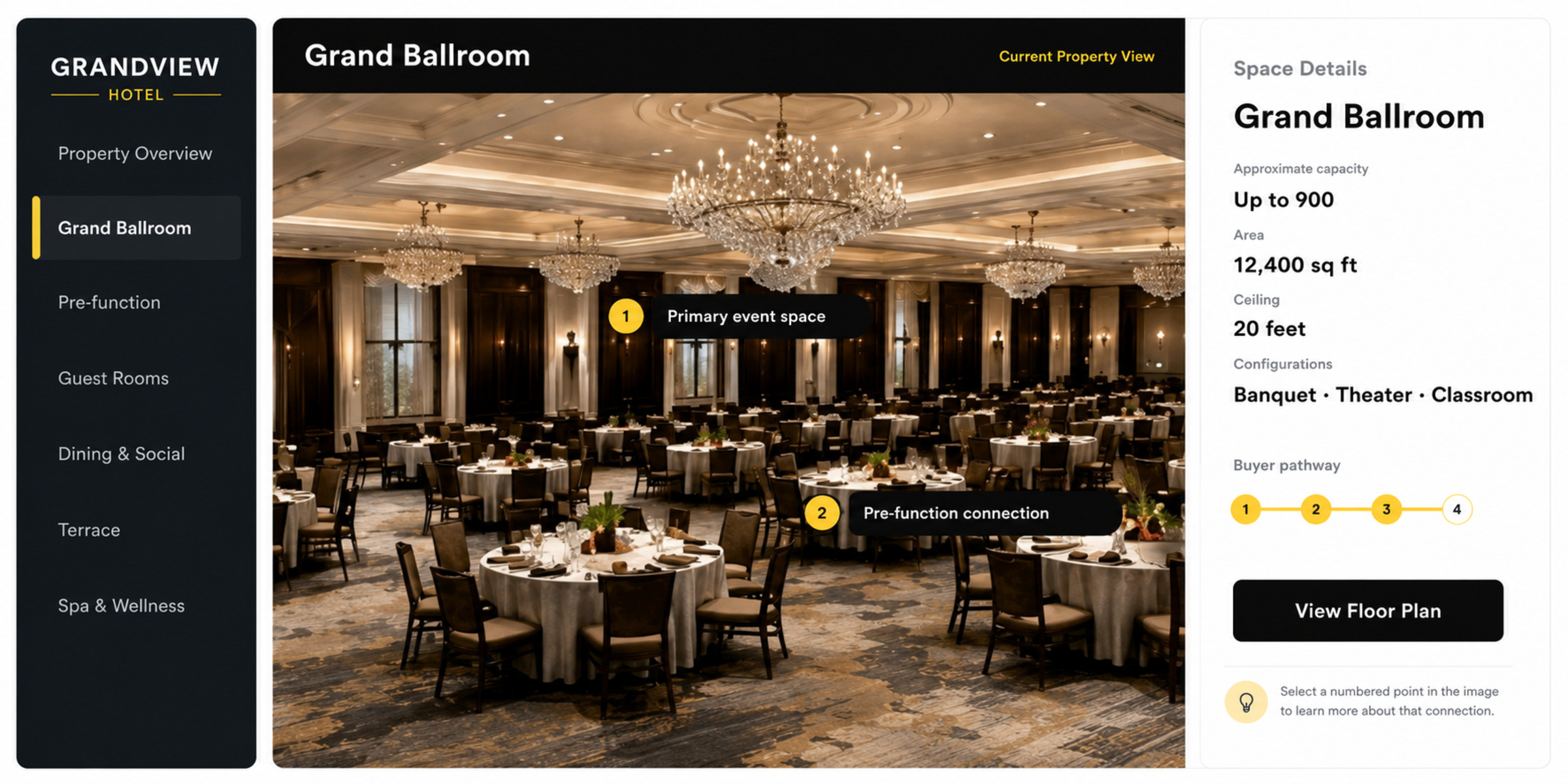
Understand the place and the relationships among spaces.
Move from overview to exact location without losing the property context.
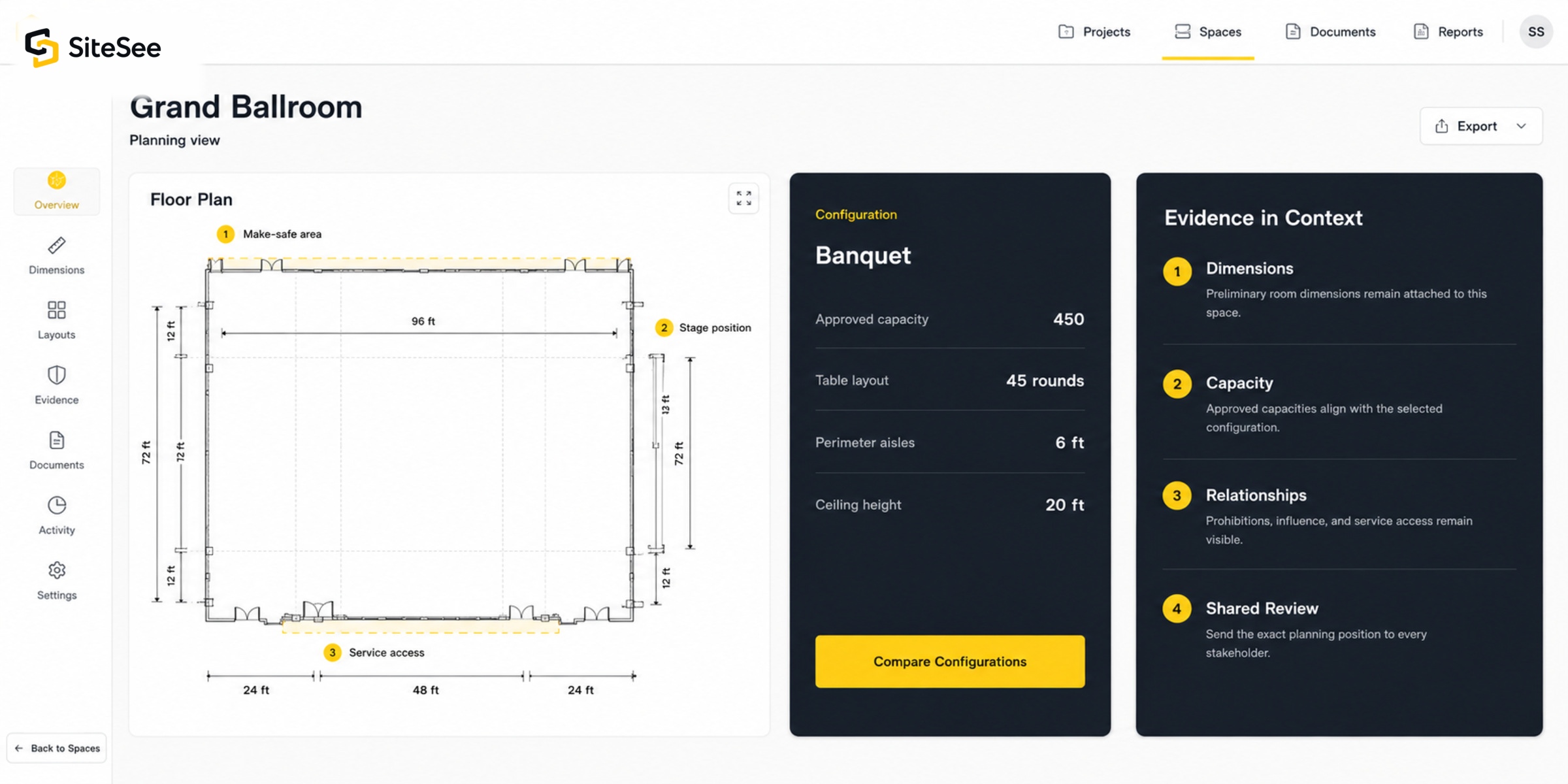
Review the evidence where it applies.
Keep floor plans, measurements, configurations and approved details attached to the relevant space.
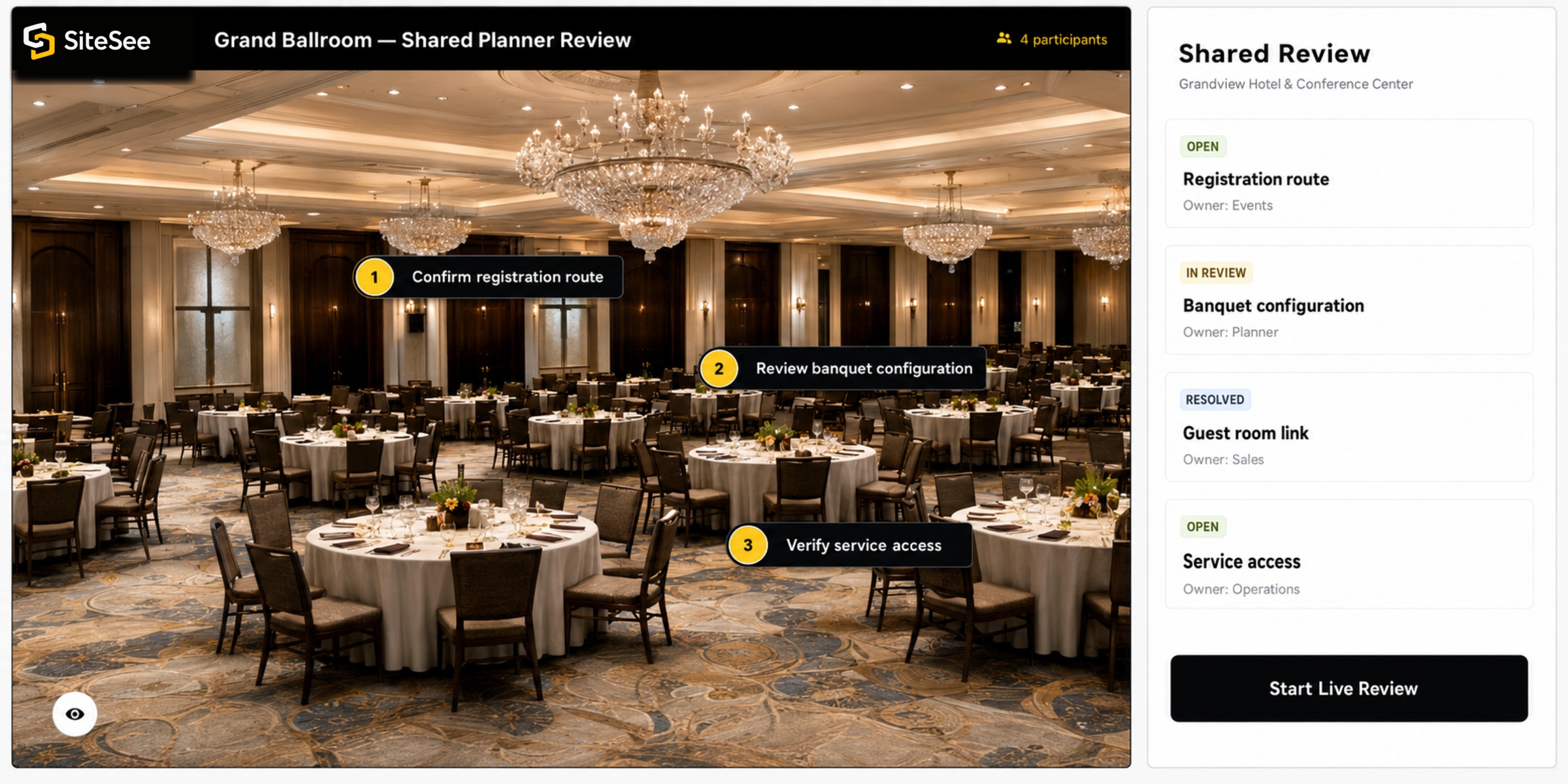
Give every stakeholder the same approved reference.
Share the exact property position, pathway or question without rebuilding the explanation.
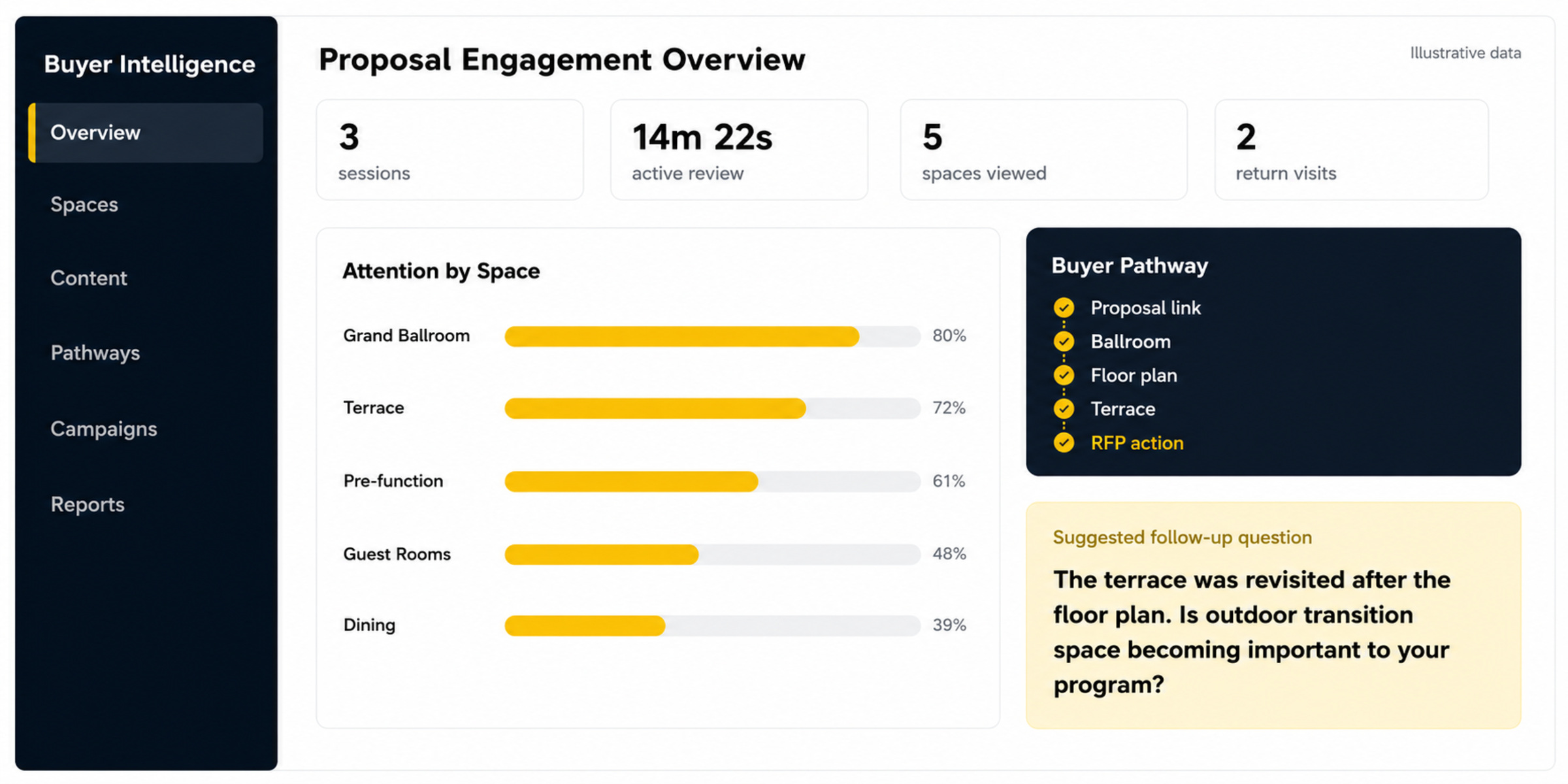
Know what deserves the next question.
Use observed attention to make follow-up more relevant, without treating activity as proof of intent.
Evidence standard
Separate demonstrated capability from measured customer evidence.
Every example identifies whether you are viewing a capability demonstration, an illustrative blueprint or a verified customer story. Formal customer stories appear only when the implementation, measurement period, evidence and attribution have been documented and approved.
What the platform can support
- Customer decision or workflow
- Relevant property context
- Confirmed SiteSee capabilities
- Illustrative interface or approved demonstration
- Reasonable practical benefit
What occurred in a documented deployment
- Identified starting condition
- Approved implementation scope
- Defined measurement period
- Verified evidence and methodology
- Customer-approved attribution
Each example tells you exactly what you are viewing
Understand what each example demonstrates before you compare it with your own property.
Property facts, media, access and link use have been approved for the intended audience.
The interface may use illustrative data while the demonstrated capability remains accurately described.
No customer deployment, partnership or measured commercial result is implied.
The preview is replaced with approved property media before a property-specific experience is published.
Your property deserves an experience built around what makes it worth choosing
Choose the decision closest to yours, then build the experience around your property.
Begin with one priority audience, one difficult-to-explain space, one buyer pathway or one operational use. The first experience becomes a working example for evaluating scope, content, responsibilities and success criteria.