
SiteSee Technology // The Spatial Link
Buyers should understand your property—not wrestle with the technology behind it.
SiteSee connects high-fidelity property capture, intuitive spatial navigation, floor plans, measurements, media, guided pathways, collaboration and engagement analytics in one property and flexible-space sales and planning platform.
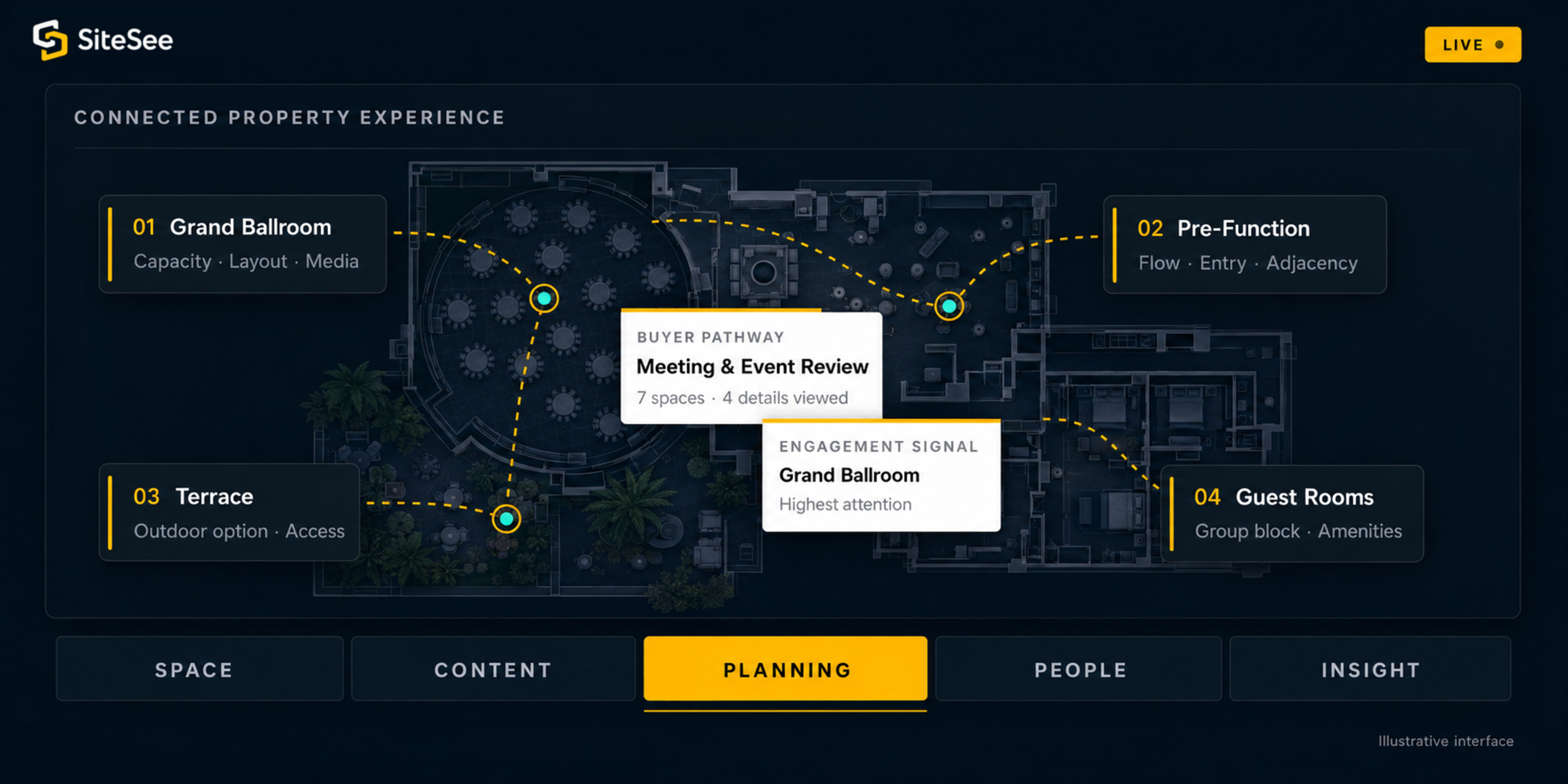
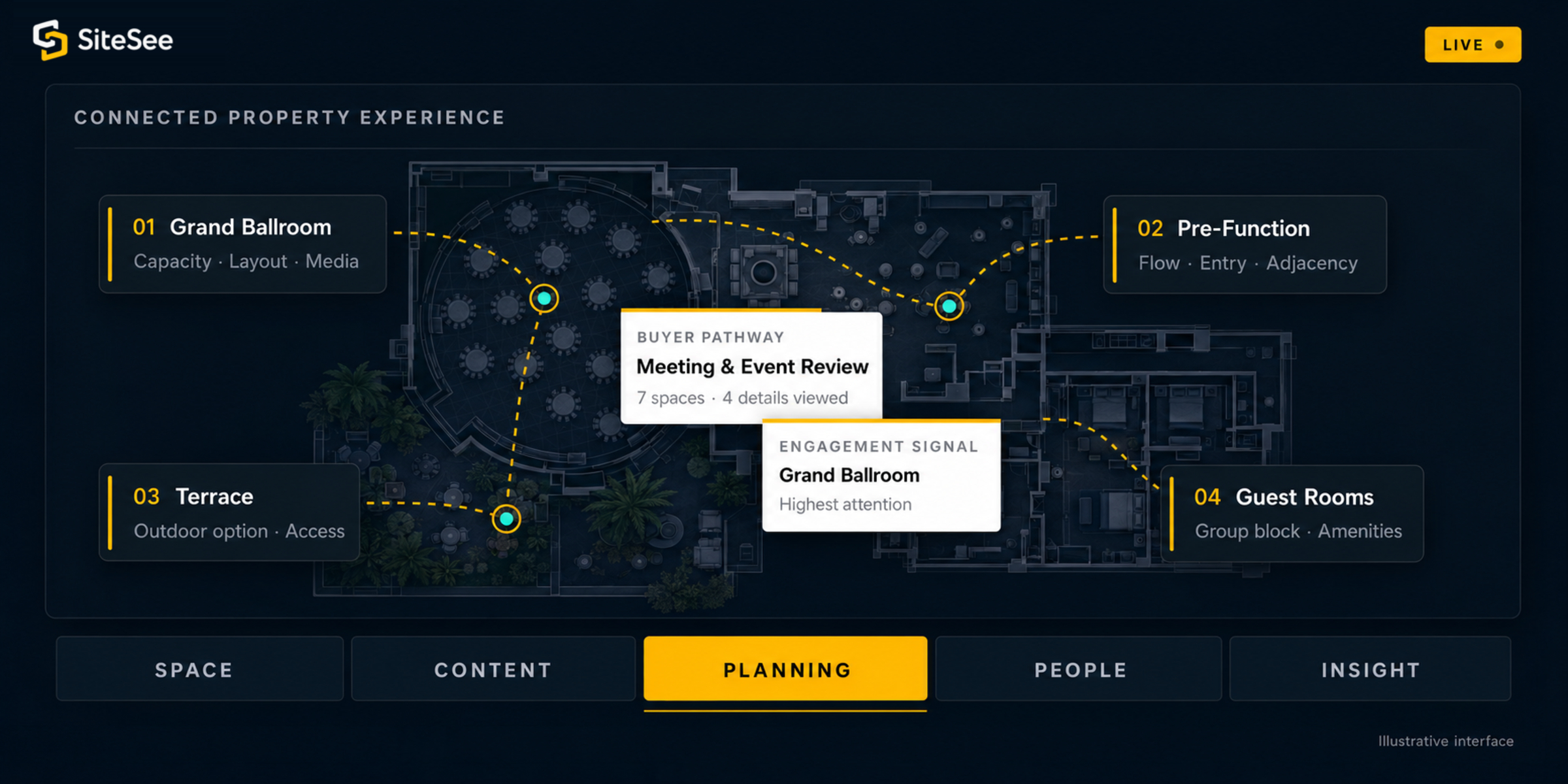
The Customer Experience
The best technology feels natural because it helps the buyer answer the next property question.
Buyers should not have to assemble photographs, floor plans, PDFs, room names and verbal explanations in their heads. SiteSee connects those materials to the physical place so the answer appears where the question occurs.
Understand the whole property.
Move among the spaces that matter while retaining the relationships between rooms, amenities, entrances, supporting areas and the wider property.
Spatial navigation and property contextFind the answer in the right place.
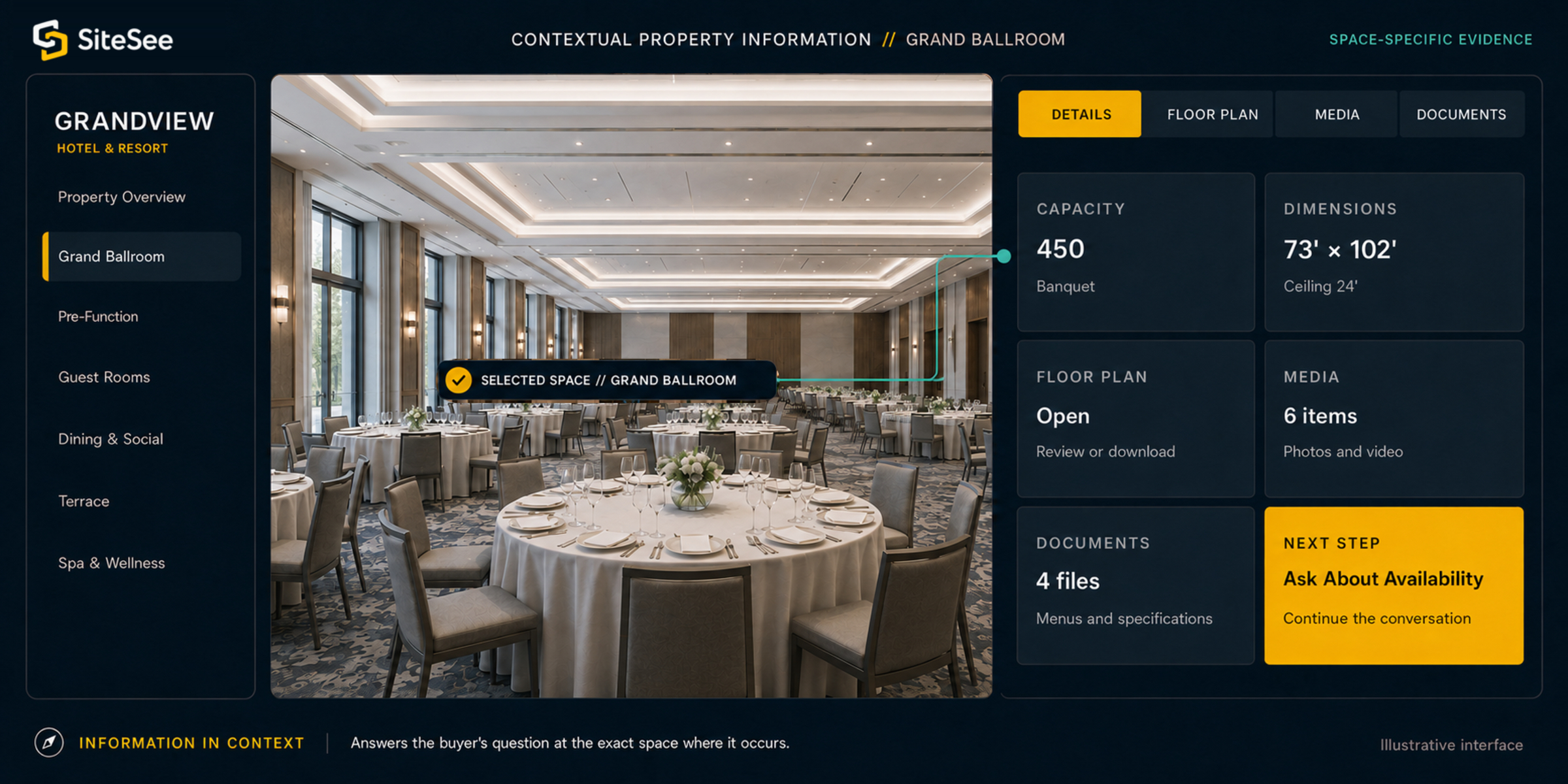
Review dimensions, capacities, floor plans, media, documents and calls to action without leaving the space being considered.
Contextual content and planning informationContinue without starting over.
Share the same property understanding with colleagues, return after the initial conversation and move from discovery into planning with the context intact.
Persistent, shareable buyer experienceThe Spatial Link
Five connected layers turn a captured property into a working sales and planning environment.
Capture is the foundation. The value comes from what the property, buyer and team can do with the spatial information afterward.
Document the property.
Record the spaces, visual detail, scale and physical relationships required for the experience.
Connect the spaces.
Organize rooms, levels, routes, adjacency and circulation into a coherent spatial system.
Place information where it belongs.
Attach floor plans, measurements, capacities, media, documents and property details to the relevant location.
Guide the buyer’s work.
Enable exploration, comparison, configuration, collaboration, communication and clear next steps.
Learn from attention.
See which spaces, content and pathways matter so follow-up and future presentation become more relevant.
What Buyers Experience
Every technical capability should make a practical customer decision easier.
The platform is not organized around impressive technology for its own sake. Each capability helps the buyer understand, evaluate, share or advance the property decision.
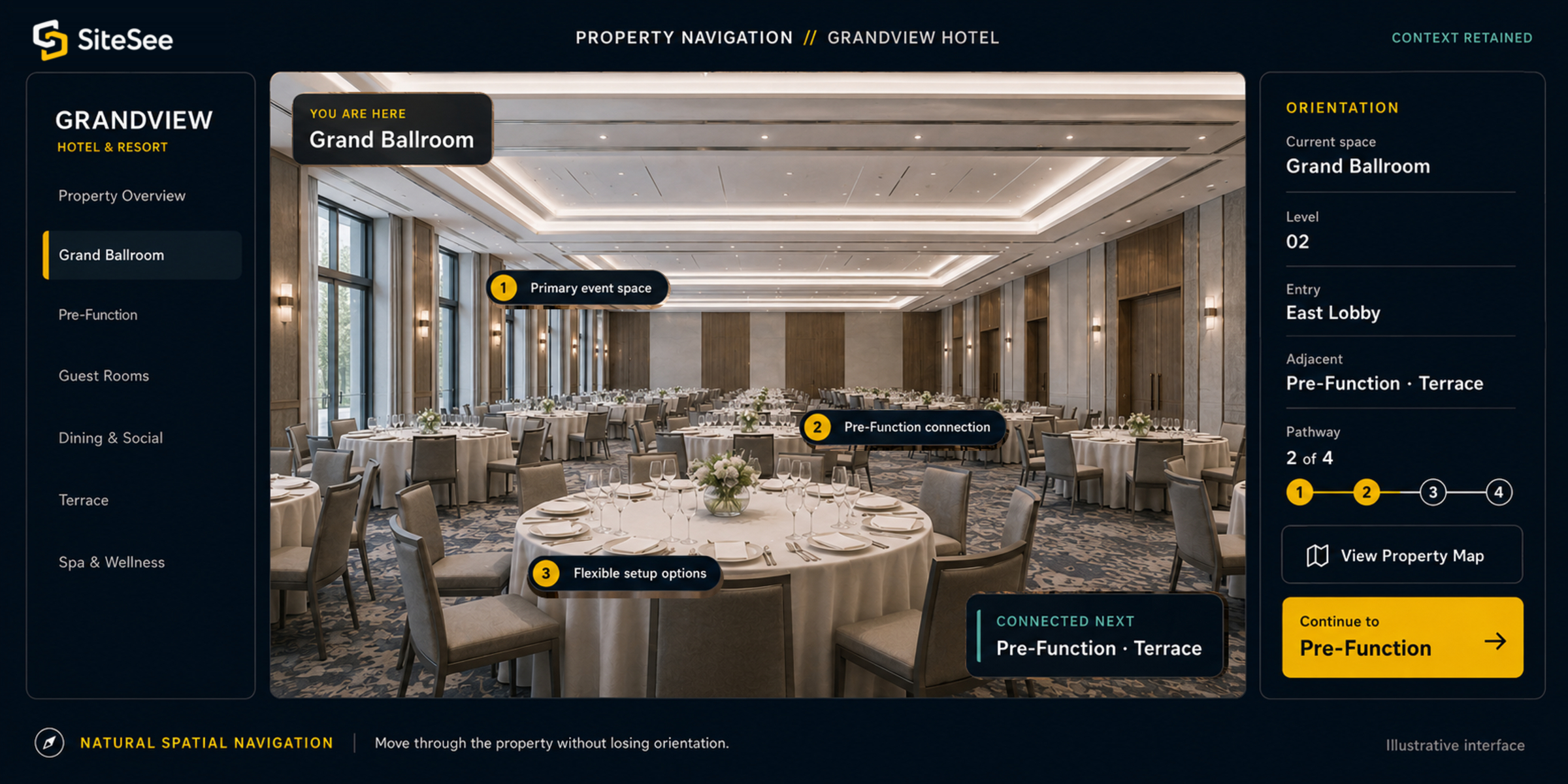
Natural Spatial Navigation
Move through the property without losing orientation.
SiteSee helps buyers understand not only individual rooms but how those rooms relate to entrances, pre-function areas, amenities, guest accommodations and the rest of the property.
- Connected locations and levels
- Guided paths for different buyer needs
- Property context retained throughout
Information in Context
Answer the question where the question occurs.
Instead of separating the visual experience from the practical information, SiteSee can connect capacities, dimensions, floor plans, media, documents, menus and calls to action directly to the relevant space.
- Space-specific data and documents
- Embedded media and supporting content
- Actionable next steps inside the experience
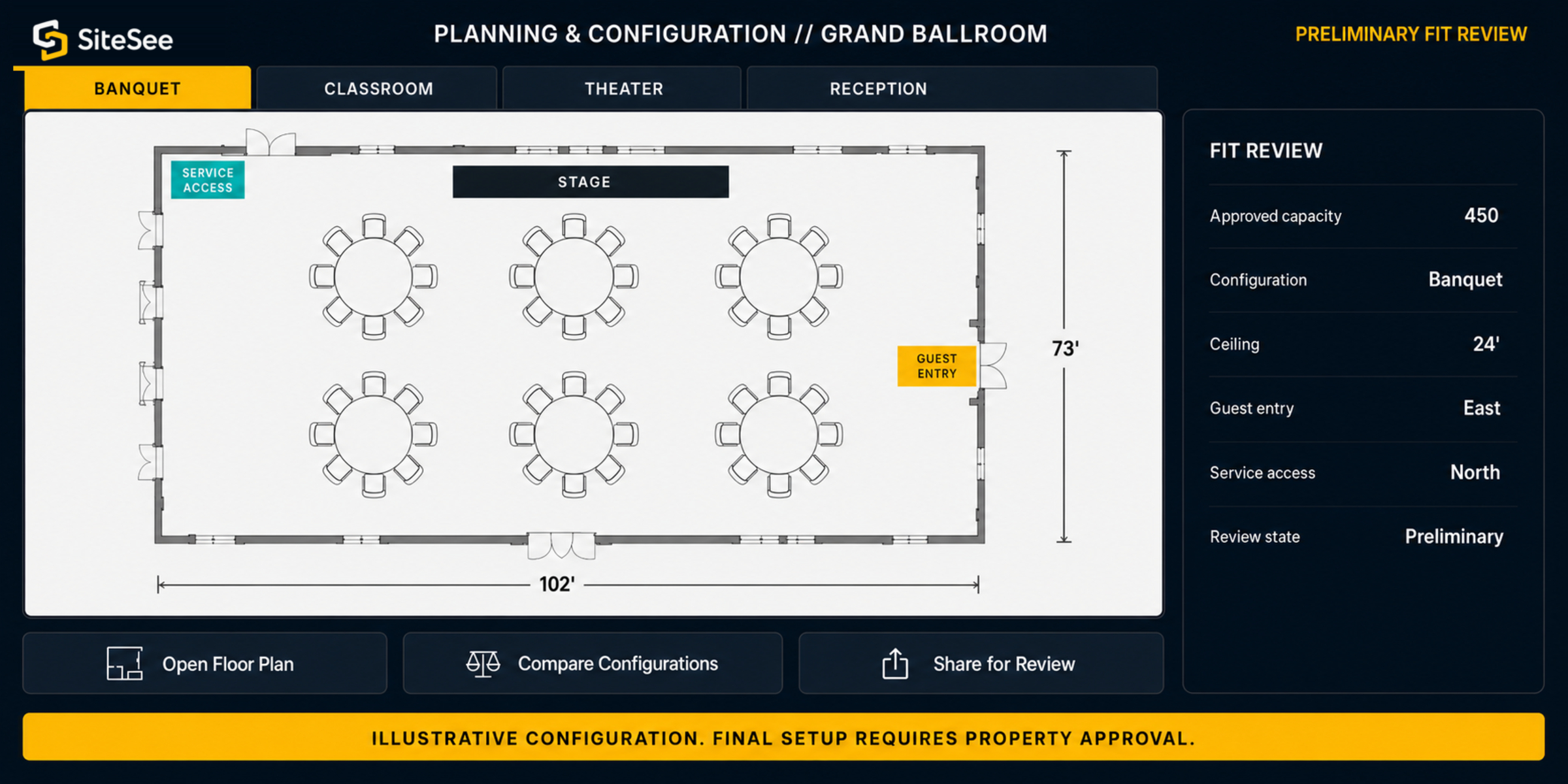
Planning and Configuration
Help planners test fit before the room is physically changed.
Measurements, layouts, alternate configurations and supporting details can be reviewed in the same spatial context, helping the planner move beyond appearance toward practical suitability.
- Floor plans and measurement context
- Room configurations and alternate uses
- Collaborative review around the actual space
Property Control
Your technology should strengthen the property’s identity, not impose a generic one.
SiteSee gives the property control over how the experience is organized, branded, shared and maintained. A historic hotel, luxury resort, civic venue and restaurant should not be forced into the same presentation.
Explore the complete platform →Brand
Apply the property’s visual identity, language and presentation standards.
Pathways
Guide different markets and buyers toward the spaces and information most relevant to them.
Content
Control the media, documents, planning details and calls to action presented in each context.
Access
Choose what is public, what is shared directly and what remains available only to authorized users.
Updates
Keep information current without rebuilding the full experience each time something changes.
Insight
Use engagement signals to improve follow-up, content and future buyer pathways.
SiteSee and Matterport
Both can represent a physical property. They are built around different primary jobs.
Matterport is a broad digital-twin platform used across property marketing, facilities, corporate real estate, design and construction. SiteSee is built around hospitality selling, planning, collaboration and buyer engagement.
Matterport descriptions are based on publicly available Matterport product information reviewed in July 2026. The comparison describes primary platform orientation and does not imply that either platform is limited to the examples shown.
 Property Capture
Capture Is the Foundation
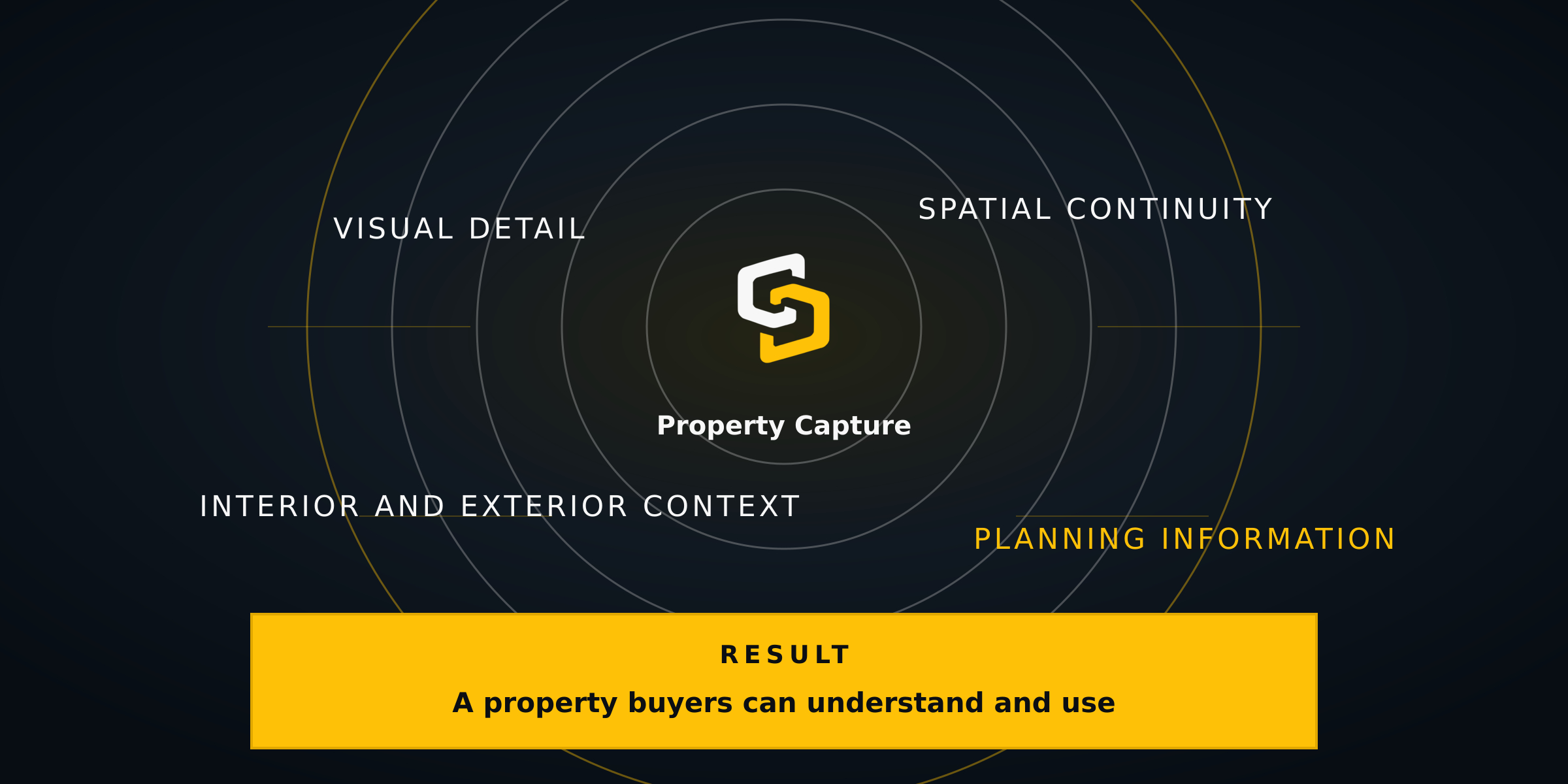
The capture method should serve the finished experience.
The scale of the property, lighting conditions, interior and exterior areas, architectural detail, measurement needs and intended buyer experience all influence how a property should be documented.
SiteSee selects and applies the capture approach around the commercial result rather than forcing every property into the same production method.
Designed to Work With the Organization
The experience should connect to the way your team already sells and operates.
SiteSee can become part of the website, sales communication, proposal process, planning workflow, property content system and portfolio standards without requiring the property experience to live in isolation.
Website
Embed the experience where buyers already evaluate the property.
Sales Communication
Share direct links through email, proposals, RFP responses and follow-up.
Planning Workflow
Keep spatial information and review connected as the opportunity becomes more specific.
Content and Data
Bring property-controlled media, documents and information into the relevant context.
Portfolio Governance
Apply standards, permissions and reporting across properties without erasing local identity.
Show More. Decide Faster.
Choose the technology by the customer decision it improves—not by the novelty it introduces.
See how SiteSee can connect your spaces, information, planning tools and buyer engagement in one property experience.