
Product Updates // Change Explained by Customer Impact
Know what changed, why it matters and whether your team needs to act.
SiteSee product updates connect every platform change to the buyer, planning, sales, operational or portfolio task it improves. Availability, implementation requirements and customer action are stated plainly.
The Release Standard
An update matters only when your team can connect it to a practical customer or operating improvement.
Every update explains what changed, whose work improves, what needs to be configured, what remains subject to validation and what your team can do next.
Name the capability or operating change plainly.
Use customer language before technical detail.
Connect the change to a buyer or team decision.
Explain the practical work that becomes clearer, faster or more consistent.
State the availability and account conditions.
Separate core, plan, add-on, enterprise, validation and historical records.
Identify configuration, training, review or no action.
A release is not complete until the responsible team can use it correctly.
Current Generation by Responsibility
Evaluate each change by the customer decision or team responsibility it improves.
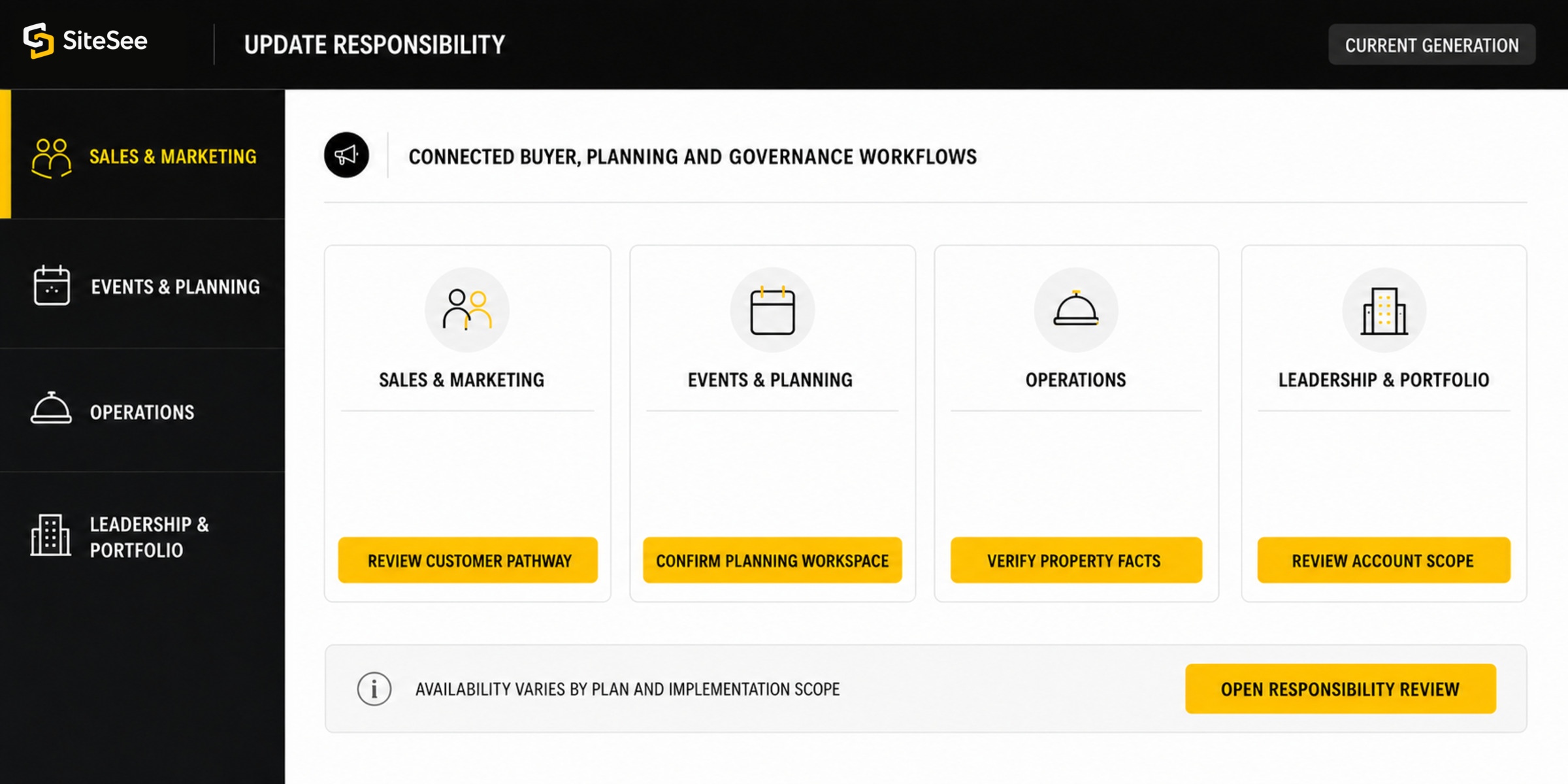
The same platform generation creates different responsibilities for sales, planning, operations and leadership. Select a view to see the customer condition, the relevant capability areas and the immediate review path.
Make the property easier to understand without rebuilding the sales story for every buyer.
Use guided pathways, exact-location links, contextual media, AI-assisted visualization and buyer engagement evidence to make the next conversation more relevant.
Product Update Library
Browse by the customer task the change improves.
Each record identifies the product change, customer impact, primary users, availability, required action and the limit of the claim. Historical milestones remain separate from currently available capabilities.
No product update matches that combination. Try a broader capability area or availability status.
Availability and Release State
Know what is available to your team before you plan around it.
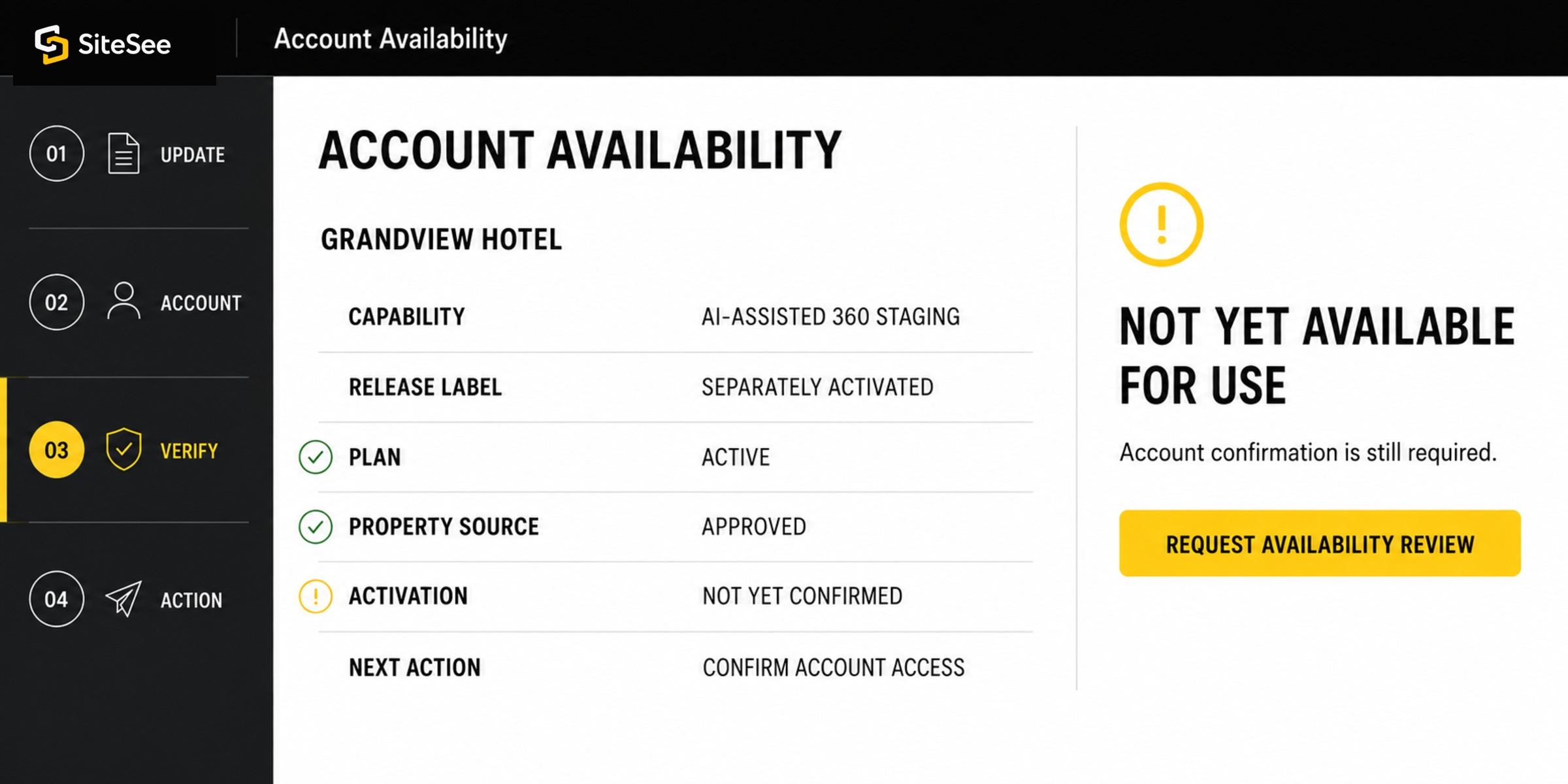
A customer should never have to infer whether a capability is included, separately activated, enterprise-scoped, still being validated or presented only as part of the product history.
Documented foundational capability
Used where it fits the approved experience design. Configuration and property review may still be required.
Depends on the active plan or workspace
Confirm account entitlement, user role and deployment conditions before promising use.
Separately activated capability
May require production scope, credits, configuration or an additional commercial layer.
Scoped for the organization and use case
May involve governance, integration, security review, custom development or multi-property implementation.
Available only after validation
The exact workflow, customer data, technology behavior or production method must be demonstrated and approved first.
Part of the product evolution
A past iteration or milestone does not establish current support, availability or account entitlement.
Product Evolution
The platform grew from connected property media into a broader commercial-enablement system.
The product history explains why SiteSee treats capture, media, spatial context, sales workflow, visualization and buyer intelligence as connected parts of the same customer decision.
See the Company Story →Map-linked 360-degree property experiences using Macromedia Flash.
Video production becomes part of the property content mix.
The first commercial-enablement platform iteration is released.
AI, drag-and-drop virtual staging, augmented reality and mixed-reality capabilities expand the platform direction.
Proprietary 3D LiDAR capture enters internal testing and comparison.
Buyer and team AI-assisted design capabilities, including 2D and 360-degree staging, join the current generation.
From Release to Useful Adoption
A new capability creates value only when ownership, configuration and use are clear.
Activation, property configuration, team training, access control and measurement may be as important as the software change itself.
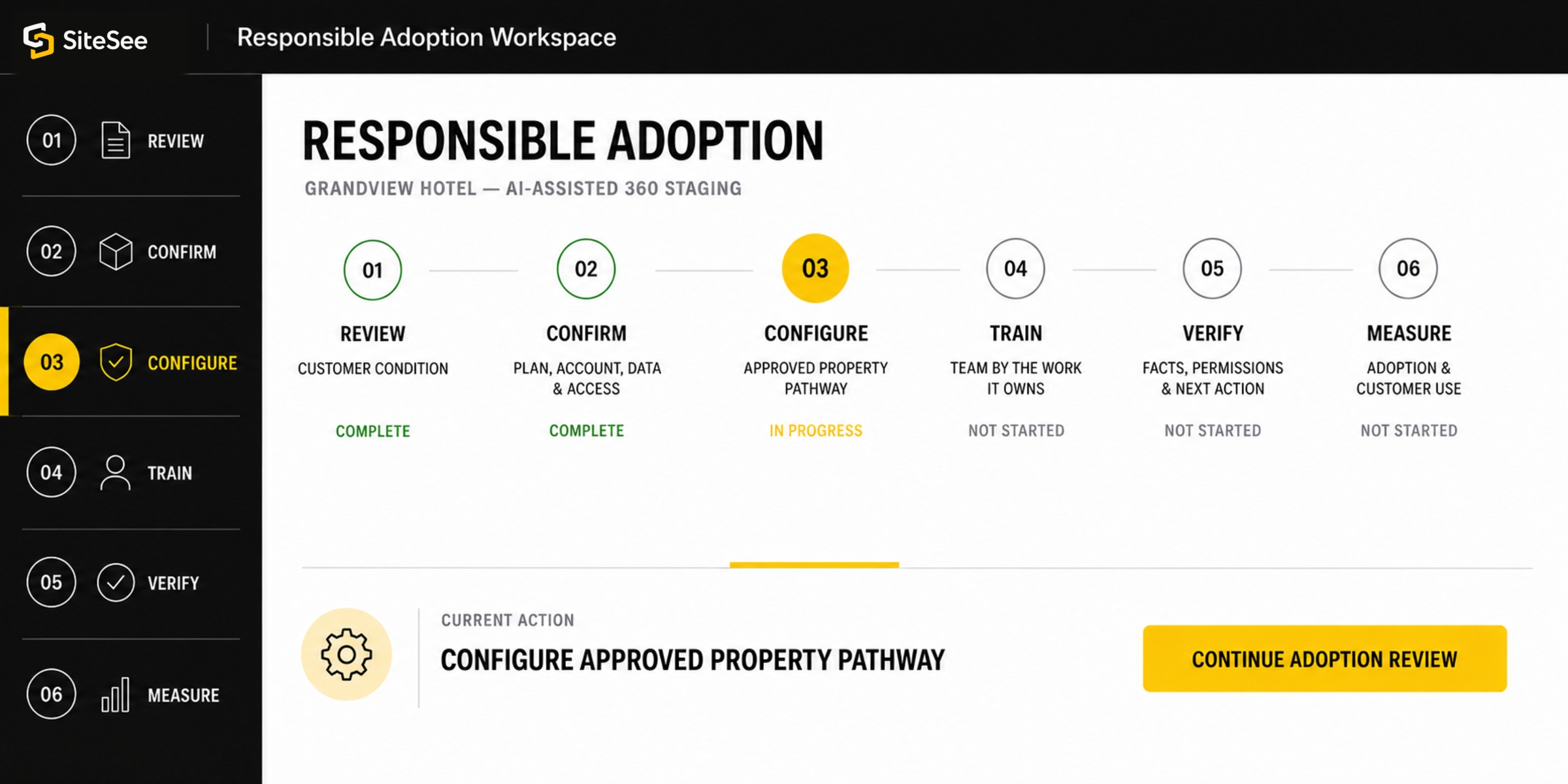
Understand the customer condition the update is intended to improve.
Verify plan, account, data, access and implementation requirements.
Apply the capability to the approved property, pathway or workspace.
Teach each team the task it owns, not every available control.
Confirm facts, representation, permissions and next action before publishing.
Review adoption and customer use before deciding whether to expand.
Product Communication Governance
The update record should be as trustworthy as the capability itself.
SiteSee separates current availability, account-specific scope, validation work and historical milestones. Planned or experimental work should not be represented as a committed release until the appropriate product, security, operational and commercial review is complete.
Review Security, Privacy & Trust →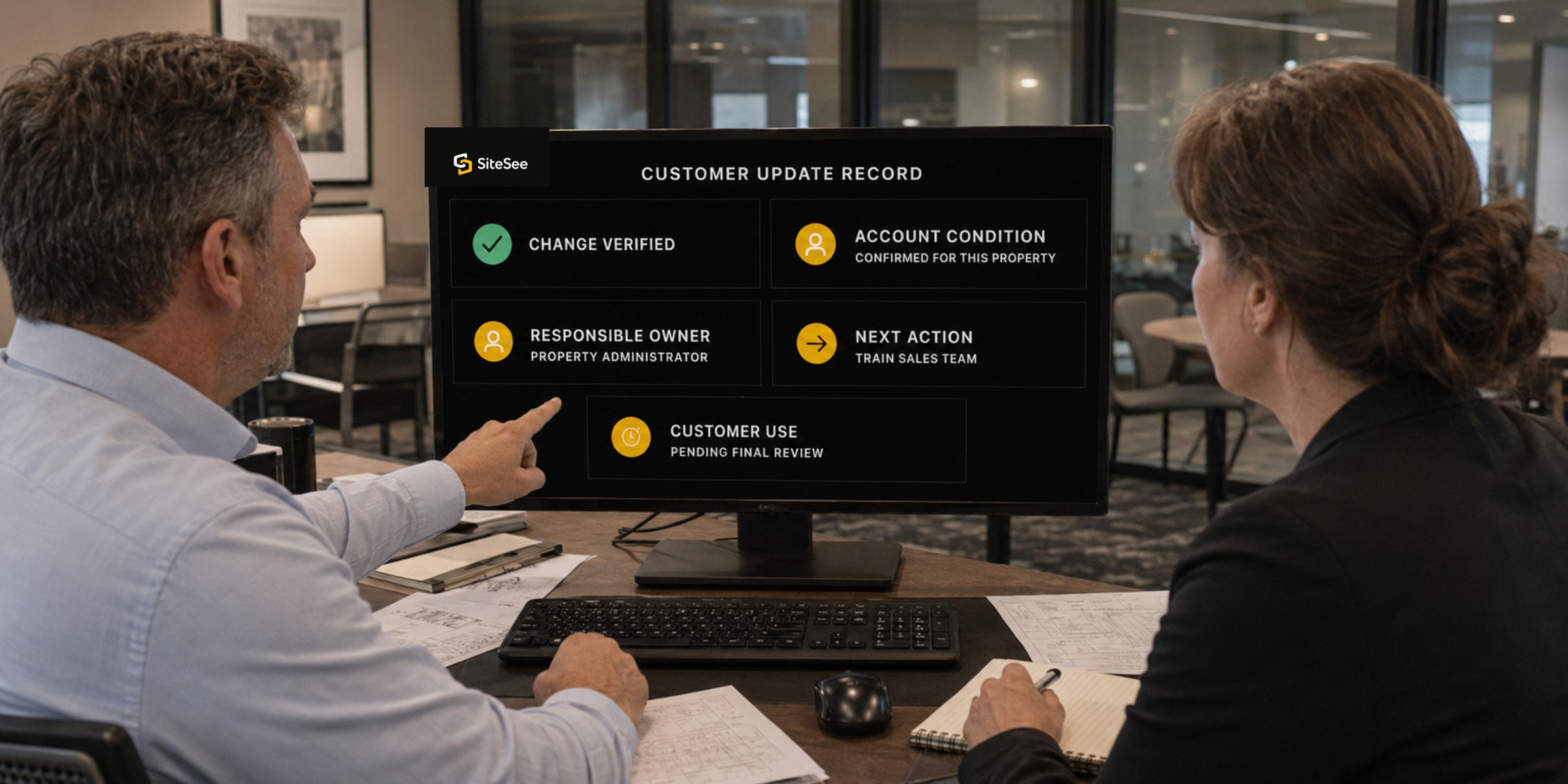
No hidden roadmap promises.
Future work remains clearly identified as planned, proposed or in validation and may change.
No universal availability assumption.
Plan, add-on, enterprise, integration and account conditions remain visible.
No outcome guarantee.
A product update can improve a workflow without guaranteeing conversion, revenue, adoption or speed.
No silent representation change.
AI-assisted, CGI or proposed conditions must remain reviewed and clearly identified.
No unverified integration claim.
Connection type, permissions and authoritative data responsibility must be confirmed.
No obsolete record left unexplained.
Material corrections, retirement and superseded behavior should be versioned visibly.
Product Update Questions
What customers should know before acting on a release.
Does every customer receive every product update?
No. Availability can depend on the active plan, add-on activation, enterprise scope, workspace configuration, third-party system, security requirement or account-specific validation.
Does “Core” mean the capability is automatically configured?
No. Core describes a foundational capability. Property information, branding, access, content, links, analytics naming and publishing still require appropriate setup and approval.
When is a validation item available?
A validation item becomes available only after the exact workflow, provider, data use, performance, privacy condition and production method have been demonstrated and approved for your account.
Are historical milestones current release notes?
No. Historical records explain product evolution. They do not prove current support, current performance, account entitlement or commercial availability.
How can your team prepare for a material update?
Identify the customer task, confirm availability, assign an owner, configure the property or workspace, train the responsible users, verify the result and define what adoption evidence will be reviewed.
Where can a customer confirm exact account availability?
Use the Full Feature Library for the documented capability class, the Learning Center for task guidance, and the SiteSee account conversation for contract, plan, implementation and validation details.
Show More. Decide Faster.
Use each update to make one customer or team action clearer.
Browse the update library, review the full capability record or discuss what the current platform generation means for your property, team or portfolio.